Total overdue
To view your Total Overdue in GIDDH, log in to your GIDDH account and open the Dashboard.
You can quickly access the Dashboard by pressing:
Ctrl + G (Windows) or Cmd + G (Mac), Search for Dashboard and select it.
or use the search icon at the top of the page.

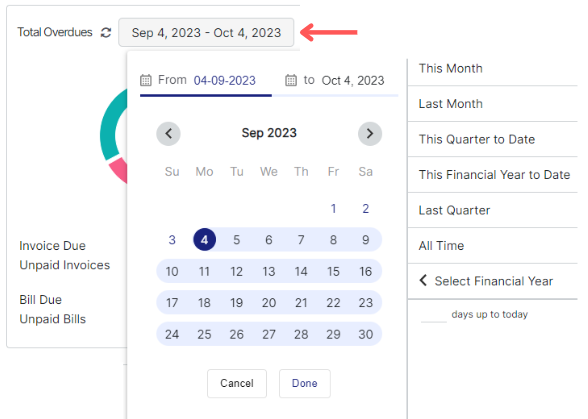
The Total Overdue section shows the total outstanding invoice and bill amounts, along with the count of unpaid invoices and bills.
.webp)

You can change the date range using the date range button to view overdue data for a specific period.
Was this helpful?