Total Profit & loss data
To view your Profit & Loss details in GIDDH, log in to your GIDDH account and open the Dashboard.
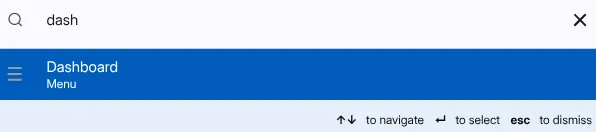
You can quickly access the Dashboard by pressing:
Ctrl + G (Windows) or Cmd + G (Mac), Search for Dashboard and select it.
or use the search icon at the top of the page.
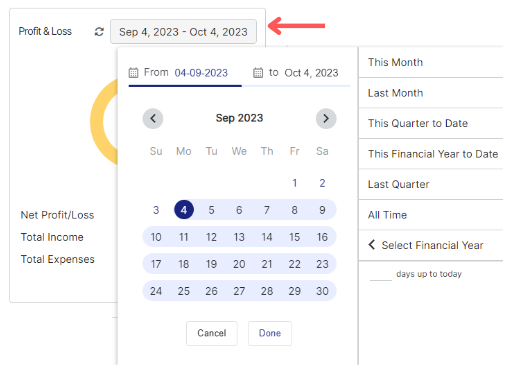
Here you can see the Net Profit/Loss, Total Income, and Total Expenses
.webp)

You can change the date range using the date range button to view data for a specific period.
Was this helpful?