How to ‘Import Trial Balance’ through excel or CSV
To ‘Import Trial Balance’ through excel or CSV in Giddh, first, log in to your Giddh account.
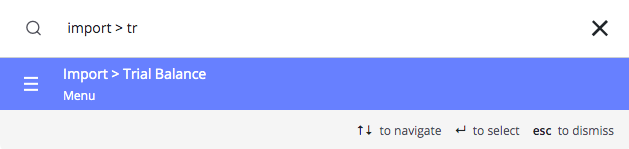
To search anything in Giddh just press Ctrl+G (for Windows) or Cmd+G (for Mac).
Press Ctrl+G/ Cmd+G and search import > Trial Balance Import
Download the sample excel or CSV at your convenience
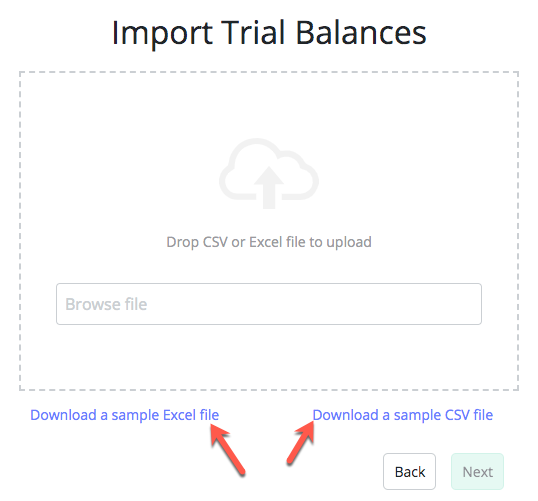
There are 3 columns in the sheet:
Account Name*
Credit
Debit
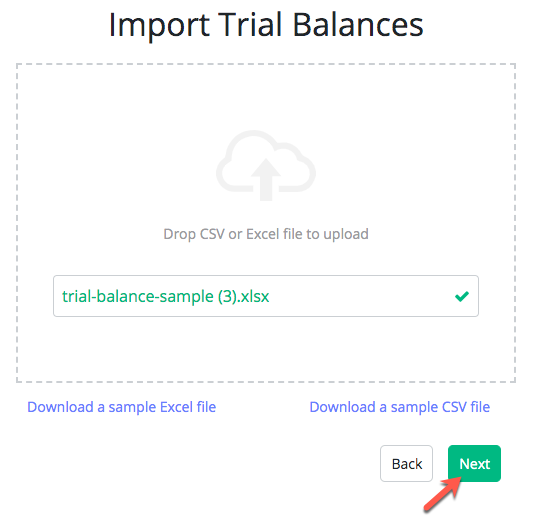
After preparing the sheet, go to the import > Group > Browse File > Select File > Next
Map the field > Next

Review your data > Import
After importing the file it will redirect you to the previous import page at which you will be able to see the status of your import and download the status file as well.
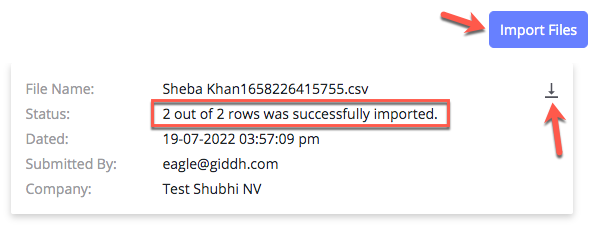
For going back to the import click on the import files button.
Was this helpful?