Change Mobile number
Log in to your Giddh account.
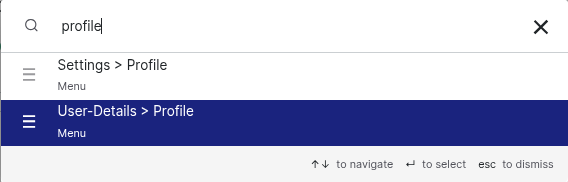
Press Ctrl+G (Windows) or Cmd+G (Mac) to open the search bar.
Type “Settings > User Profile” and hit Enter.
Locate the mobile number section on the profile page.
Enter your new number and click Save to update it.
Mobile number » Add/Edit the Mobile number > Add & verify
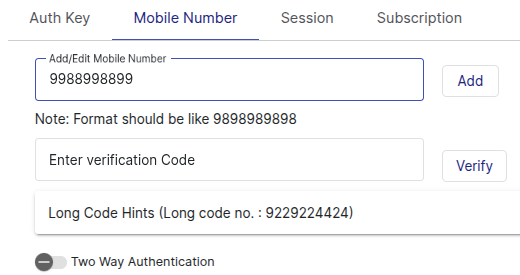
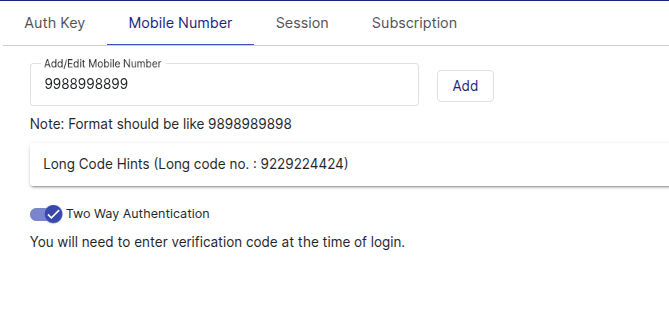
You can also enable Two-Factor Authentication (2FA) to add an extra layer of security to your Giddh account.
Was this helpful?