How to check the sales register
To check the Sales Register in Giddh, log in to your Giddh account
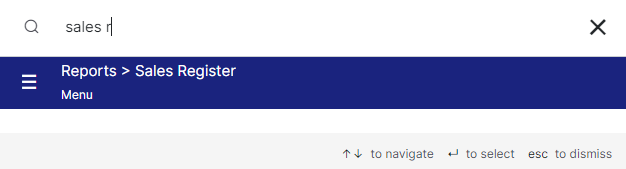
To search anything in Giddh just press Ctrl+G (for Windows) or Cmd+G (for Mac).
Press Ctrl+G/ Cmd+G and search "Sales Register" click on reports > sales register
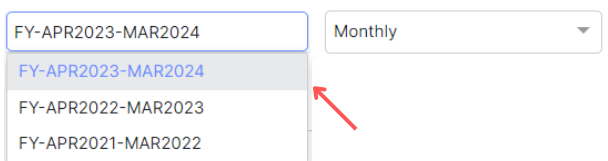
Click on the financial year and select it
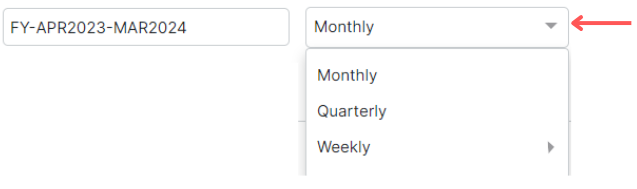
Now click on the more icon and select the period to see the period-wise sales register
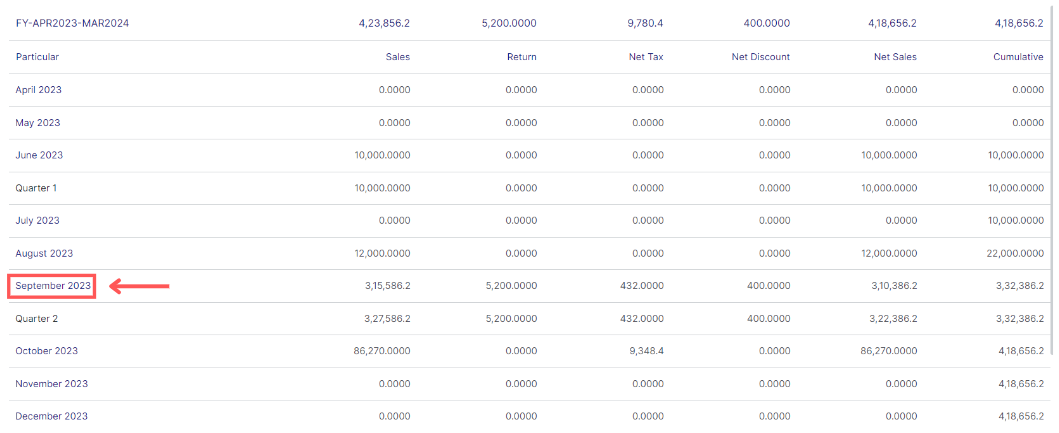
Here is the report, now click on a month to see all its transactions
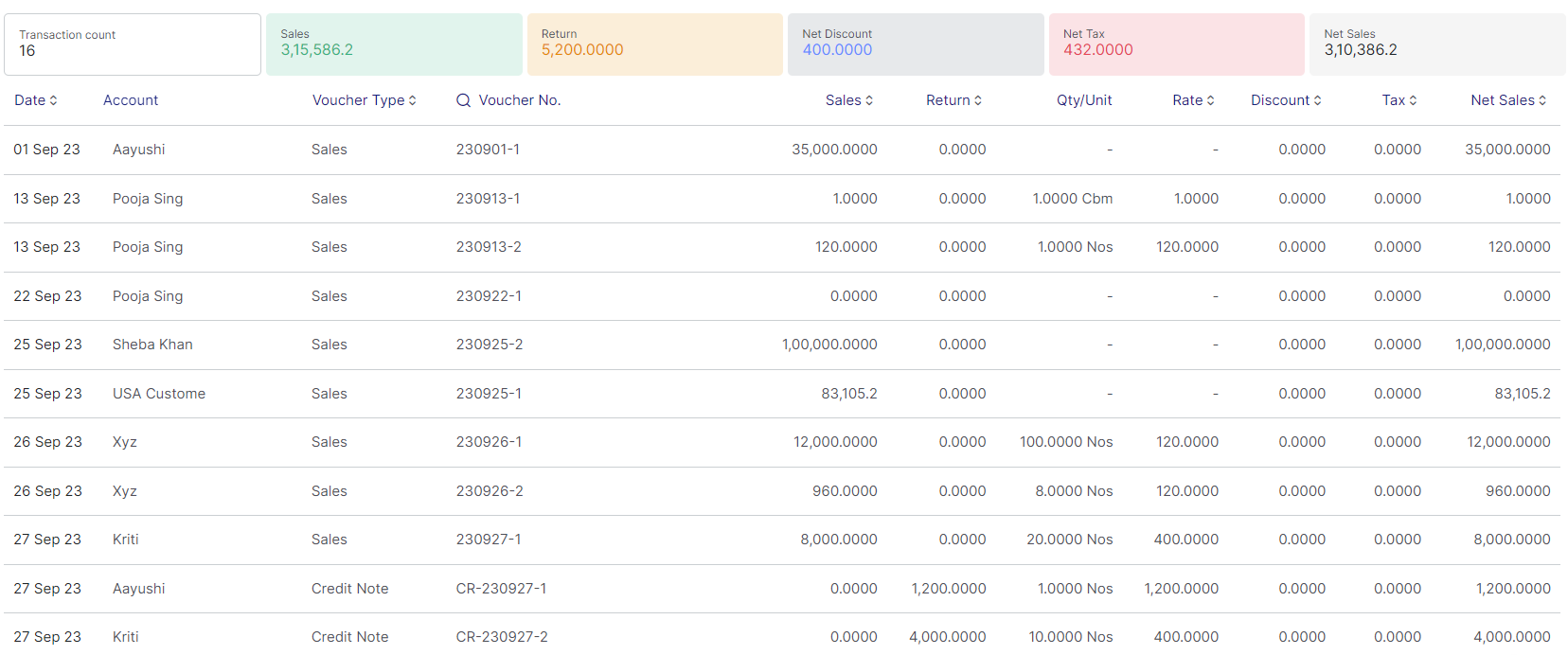
This is the report for the particular month, it includes the data of Sales, Return, Net discount, Net tax, and Net Sales
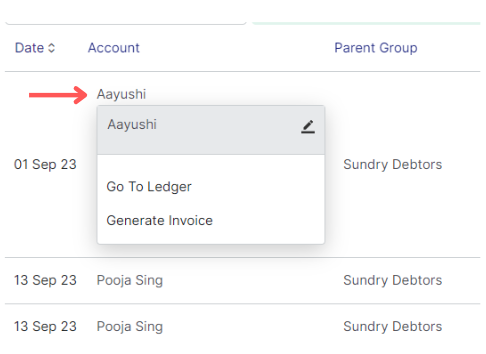
By double click on the account name provides several options:
1. Edit: Use the edit icon to modify the specific account
2. Go to ledger: Select "Go to ledger" to directly access the corresponding ledger account
3. Generate invoice: Clicking on "Generate invoice" redirects you to the invoice module for creating a new invoice
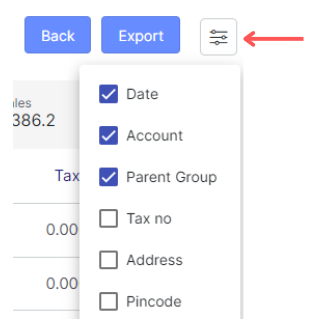
To export the data click on the "Export" button
If you want to apply filter to your data click on "Filter" icon