Reverse charge report
To see the reverse charge report in Giddh, log in to your Giddh account.
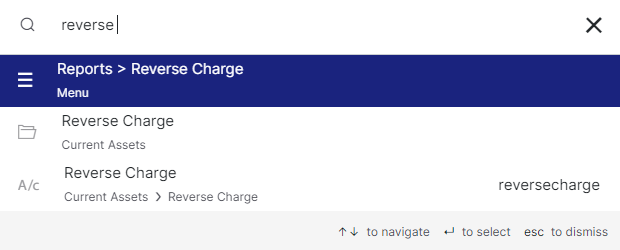
To search anything in Giddh just press Ctrl+G (for Windows) or Cmd+G (for Mac).
Press Ctrl+G/ Cmd+G and search reverse charge click on Reports > Reverse charge
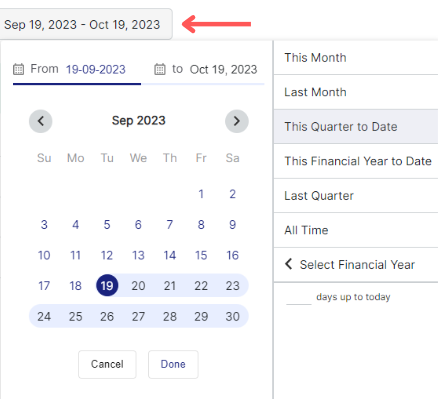
You can select the date range too
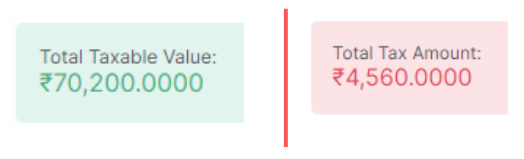
Here you can see the Total taxable value and the Total tax amount
Here you can see all the reverse charge entries of the selected period

You can also search the supplier's name, invoice no., and supplier's country by click on the search icon
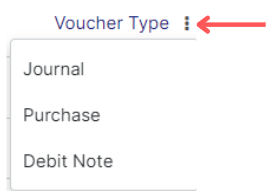
You can also select the Voucher Type as Journal, Purchase, and Debit Note
Was this helpful?