Where can I see my monthly columnar report
To see the "Monthly Columnar Report" in Giddh, Login to your Giddh account.
To search anything in Giddh just press Ctrl+g (for windows) or Cmd+g (for Mac).
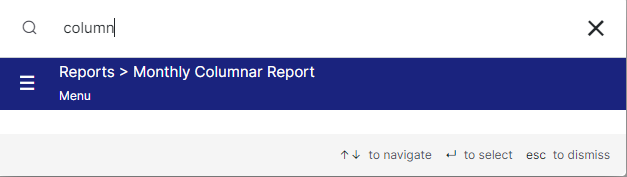
Press Ctrl+g/Cmd+g and search Columnar Report click on reports > monthly columnar report
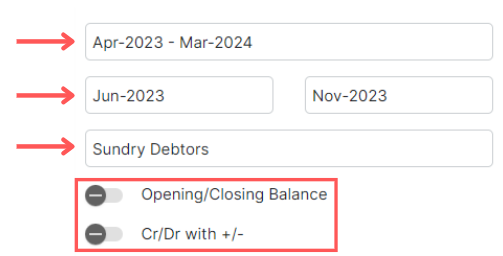
Select the required Financial year, Month, and Group for the report
and you can also select the other options like Opening/Closing balance and Cr/Dr
Now you can access three options:
1. Export: To download the columnar report in excel
2. Show: To view the report
3. Reset: To reset the filled data

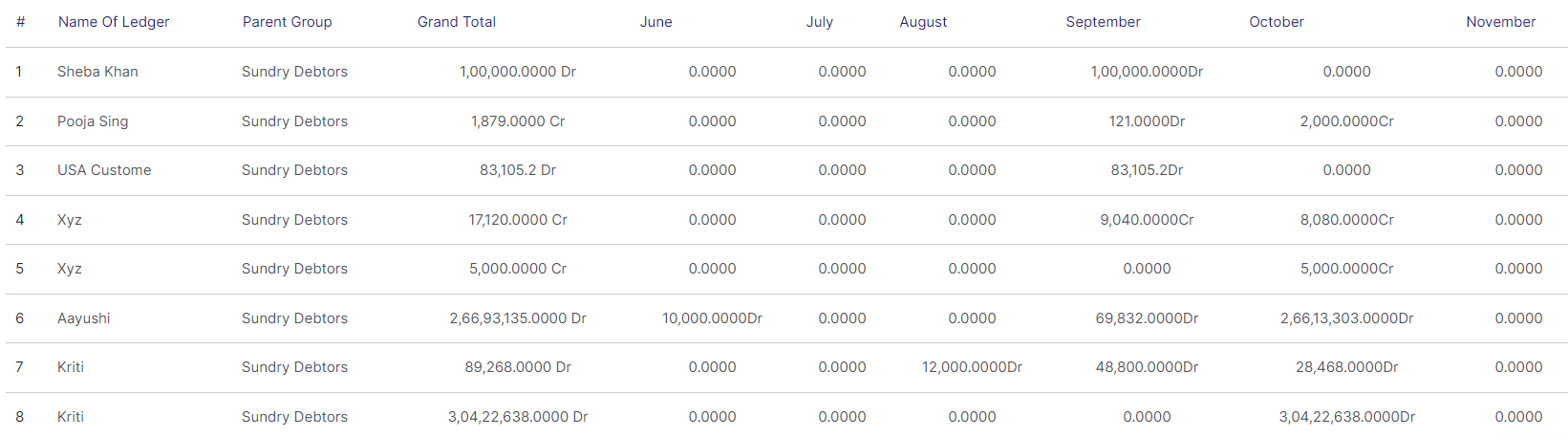
Here is the columnar report
Was this helpful?