7 Best Invoicing Solutions with Free Trial and Demo in 2026
The invoicing and billing software market is expected to grow from USD 5.43 billion in 2025 to USD 13.94 billion by 2033, driven largely by demand for automated, cloud‑based solutions. For SMBs and freelancers, invoicing isn't just about sending bills—it's about streamlining operations, reducing errors, and maintaining healthy cash flow.
The right invoicing software can make all the difference, transforming your billing process from a time-consuming task into an automated system that ensures accuracy and efficiency. Whether you're managing multiple clients or handling a small team, choosing the best invoicing solution that offers free trials and demos can help you make the best decision without financial commitment. In this article, we’ll dive into the 7 best invoicing solutions that provide free trials, so you can test out features before committing.
Top 7 Invoicing Solutions with Free Trials and Demos for 2026
1. Giddh
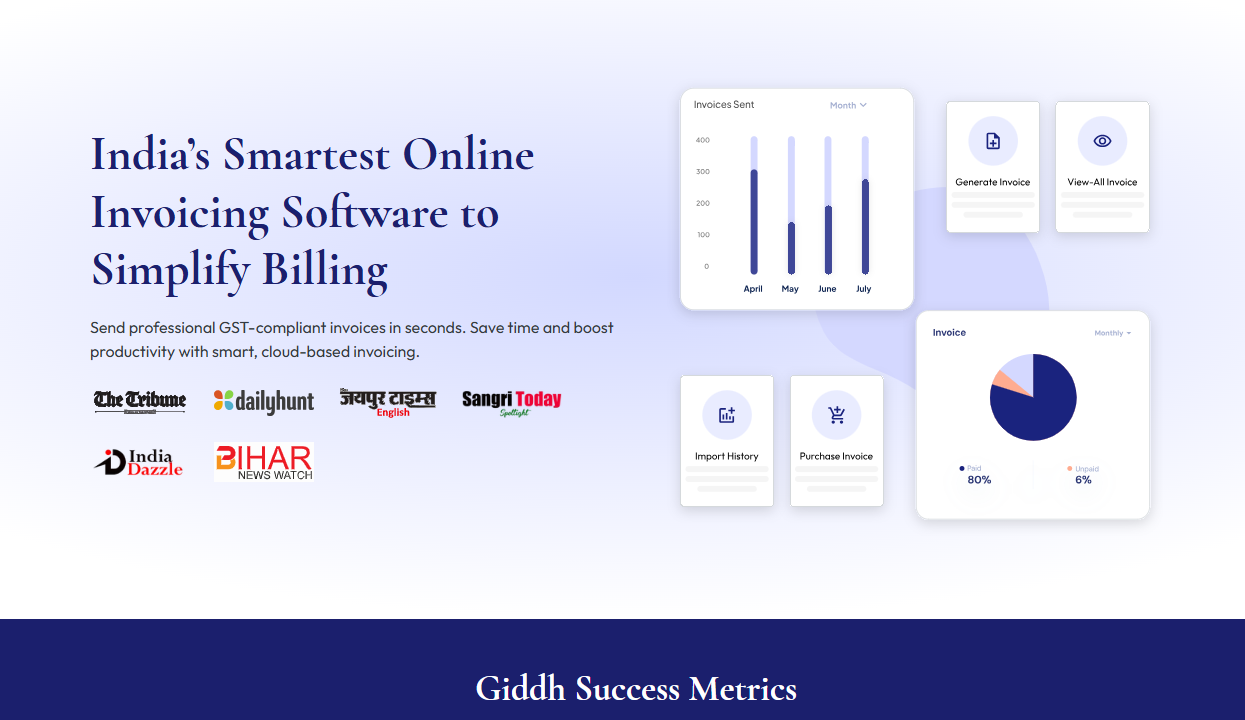
Giddh is a versatile invoicing solution designed for businesses of all sizes, offering multi-user support, real-time payment tracking, and automated invoicing. It integrates seamlessly with accounting tools, making it ideal for businesses seeking scalability, ease of use, and robust financial reporting.
Free Trial/Demo:
Giddh offers a free trial with full access to all invoicing features, so businesses can explore its capabilities before committing.
Key Features:
Key Features of Multi-User Billing Software
Multi-user Support: Collaboratively manage invoices across teams.
Automated Tax Calculations: Stay compliant with local tax laws, including GST in India.
Real-Time Payment Tracking: Monitor invoice status and payments.
Seamless Integration: Integrates with accounting systems like QuickBooks and Tally.
Customizable Invoices: Create professional invoices tailored to your brand.
Recurring Billing & Scheduling: Automate recurring invoices and schedule billings.
Comprehensive Reporting: Generate detailed reports on invoice status and financial performance.
Mobile-Friendly: Manage invoices and payments on the go.
Data Security: Ensure secure invoicing with end-to-end encryption.
Pricing:
Transparent pricing with no hidden fees, designed to scale with your business needs.
Support:
24/7 customer support and extensive documentation to guide you through the platform.
Why Giddh Stands Out:
Giddh’s scalability, tax automation, and real-time payment tracking make it a top choice for businesses of all sizes. Its GST compliance and mobile access offer convenience and flexibility for businesses in India and beyond.
2. Wave
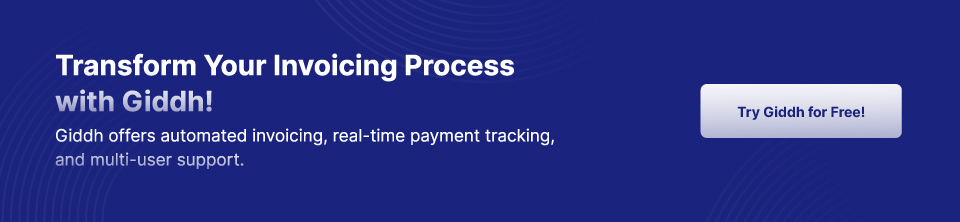
Wave is a popular, free invoicing tool designed specifically for small businesses and freelancers. Known for its user-friendly interface, Wave offers essential invoicing tools without a subscription. It also offers additional paid services, such as payroll, that can be useful for growing businesses.
Free Trial/Demo: Wave offers full access to its invoicing tools without a time limit. You can continue using the software's core features without upgrading unless you need additional services, such as payroll.
Key Features:
Recurring billing: Automates invoicing for repeat clients, saving time.
Automatic invoice creation: Easily create and send professional-looking invoices.
Payment reminders: Set up automated payment reminders to reduce overdue invoices.
Pricing: Free with optional paid add-ons, such as payroll and payment processing.
Support: Email support and community forums are available for troubleshooting.
Why Wave Stands Out: As a free invoicing solution, Wave is excellent for freelancers and small businesses that need basic invoicing functionality. It’s easy to use, offers reliable automation features, and has no hidden fees. However, as businesses grow, they can choose to add paid features to meet expanding needs.
3. Zoho Invoice
Zoho Invoice is a cloud-based invoicing software known for its simple interface and robust features. It’s ideal for businesses that need customizable invoices and seamless integrations with other Zoho products. Zoho Invoice supports automation, time-tracking, and payment reminders, making it a solid choice for SMBs.
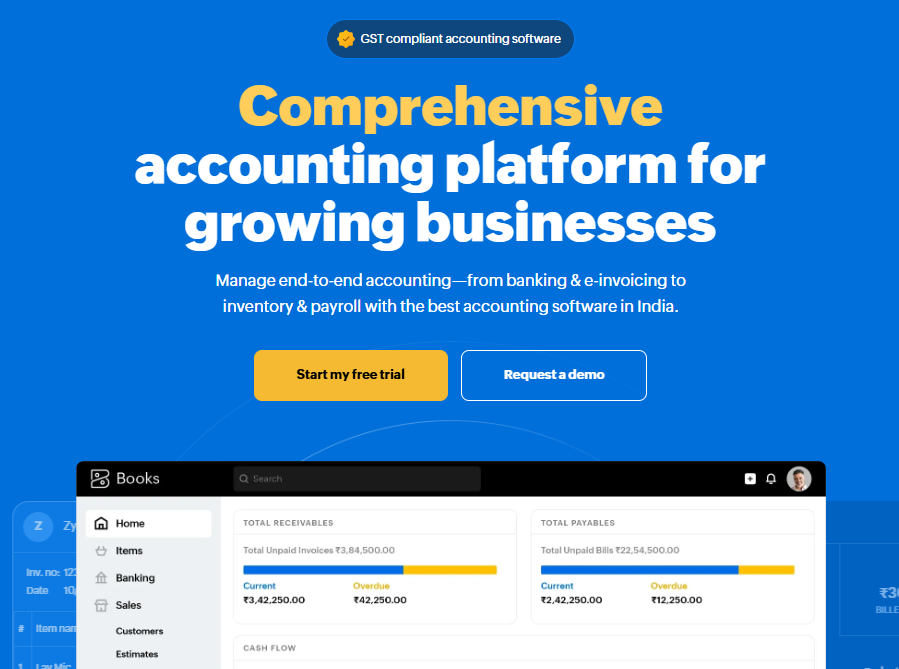
Free Trial/Demo: Zoho Invoice offers a 14-day free trial for all premium features. This allows users to explore advanced features such as integration with payment gateways and project management tools.
Key Features:
Customizable templates: Tailor invoices to fit your branding.
Automated reminders: Ensure that clients receive payment reminders automatically.
Time-tracking integration: Useful for service-based businesses needing to track billable hours.
Pricing: Free for businesses with fewer than 5 users. Premium plans are available for more users and additional features.
Support: Phone and email support are available, with extensive online resources for self-help.
Why Zoho Invoice Stands Out: Zoho Invoice is particularly well-suited for small businesses that need both customization and automation. The free plan is an attractive option for smaller businesses, while the paid plans provide more advanced features and higher scalability.
4. FreshBooks
Overview: FreshBooks is a cloud-based accounting and invoicing software, offering advanced automation and time-tracking features. It’s particularly beneficial for service-based businesses and freelancers who need to track billable hours and projects alongside invoicing.
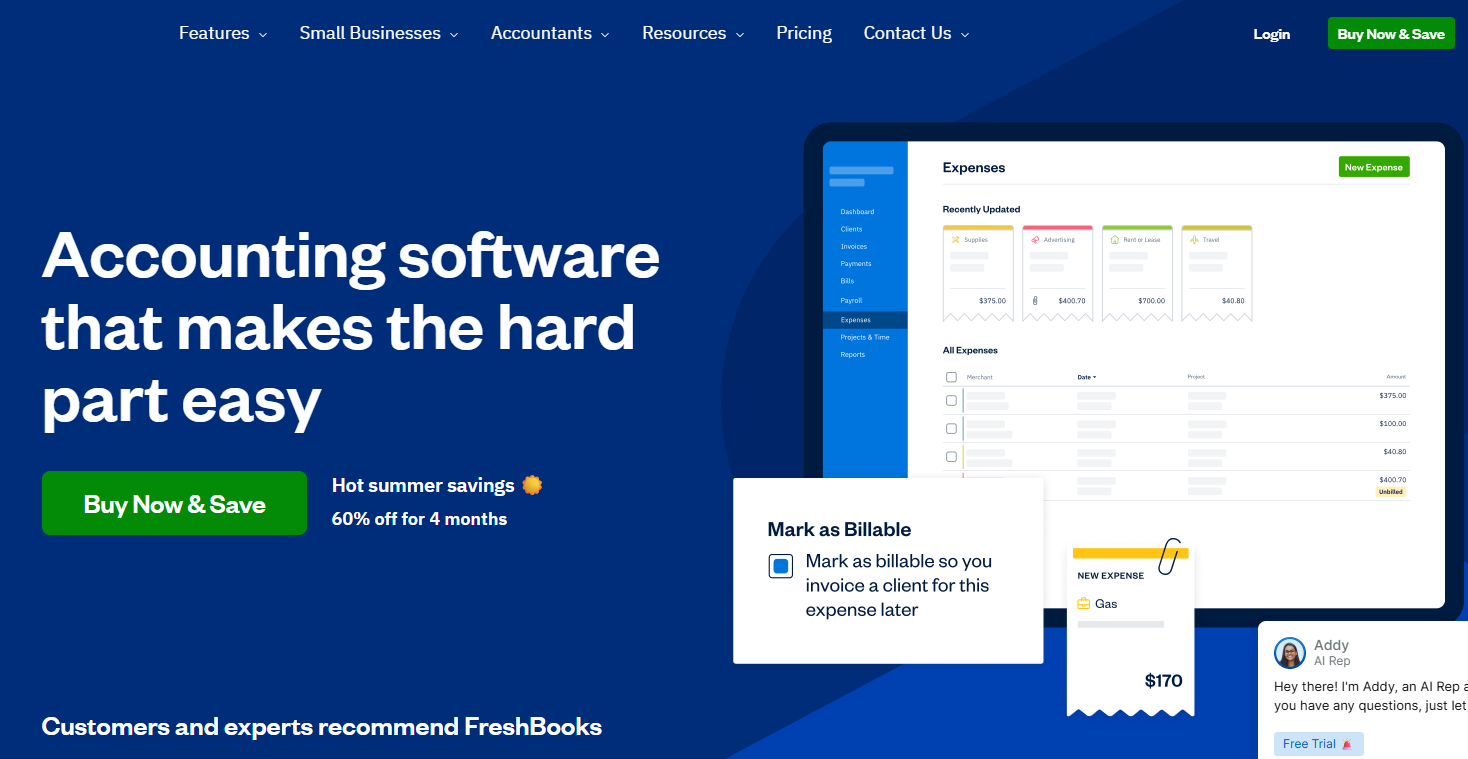
Free Trial/Demo: FreshBooks offers a 30-day free trial with full access to all features, including invoicing, expense tracking, and project management.
Key Features:
Project management: Helps manage and invoice for client projects in one place.
Automated invoicing: Set up recurring invoices and automatic payment reminders.
Expense tracking: Keep track of business expenses and integrate them into invoices.
Pricing: Plans start at $6/month for freelancers, with scalable pricing for growing teams.
Support: 24/7 customer support via phone, email, and live chat.
Why FreshBooks Stands Out: FreshBooks is ideal for service-based businesses, as it combines project management and time tracking with invoicing. Its automated invoicing and expense tracking ensure that businesses stay organized, making it a popular choice for freelancers.
5. QuickBooks Online
QuickBooks Online is a widely used accounting software package that also offers powerful invoicing tools. It’s particularly suitable for businesses that need robust reporting features and multi-currency support. QuickBooks simplifies invoice creation and management while integrating with accounting, payroll, and tax functions.
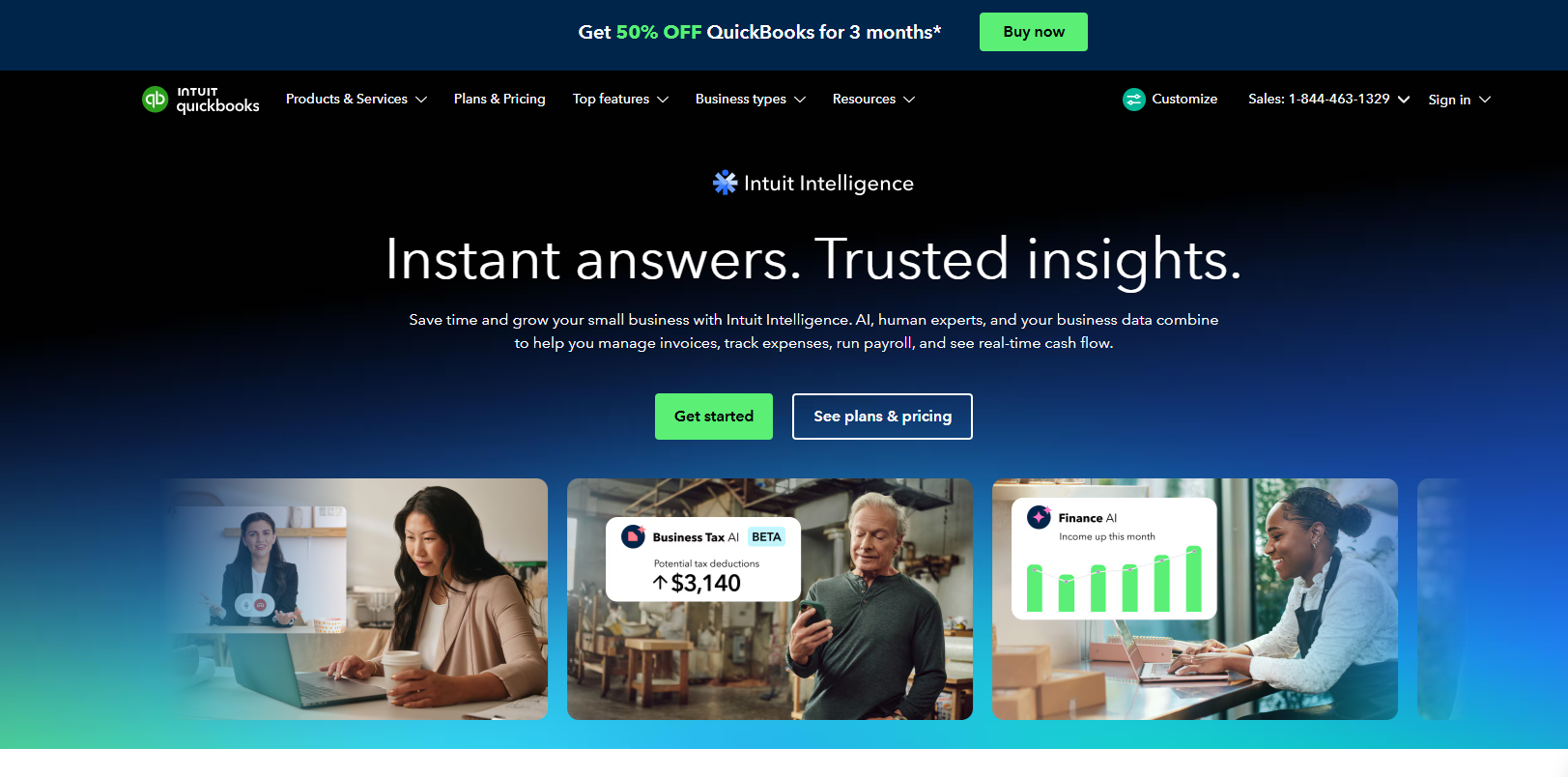
Free Trial/Demo: QuickBooks Online offers a 30-day free trial with full access to its invoicing and accounting features.
Key Features:
Invoice automation: Automatically send recurring invoices and payment reminders.
Multi-currency support: Ideal for international businesses.
Advanced reporting tools: Detailed financial reports, including profit and loss statements, balance sheets, and cash flow reports.
Pricing: Plans start at $25/month for basic invoicing and accounting features.
Support: Comprehensive phone, chat, and email support.
Why QuickBooks Stands Out: QuickBooks is ideal for businesses that need advanced accounting features beyond invoicing. It’s a powerful tool for companies that deal with multiple currencies and need detailed financial reporting.
6. Invoice Ninja
Invoice Ninja offers an open-source, customizable invoicing solution that provides both free and paid plans. It’s suitable for small businesses and freelancers who need flexibility in invoicing and project management.
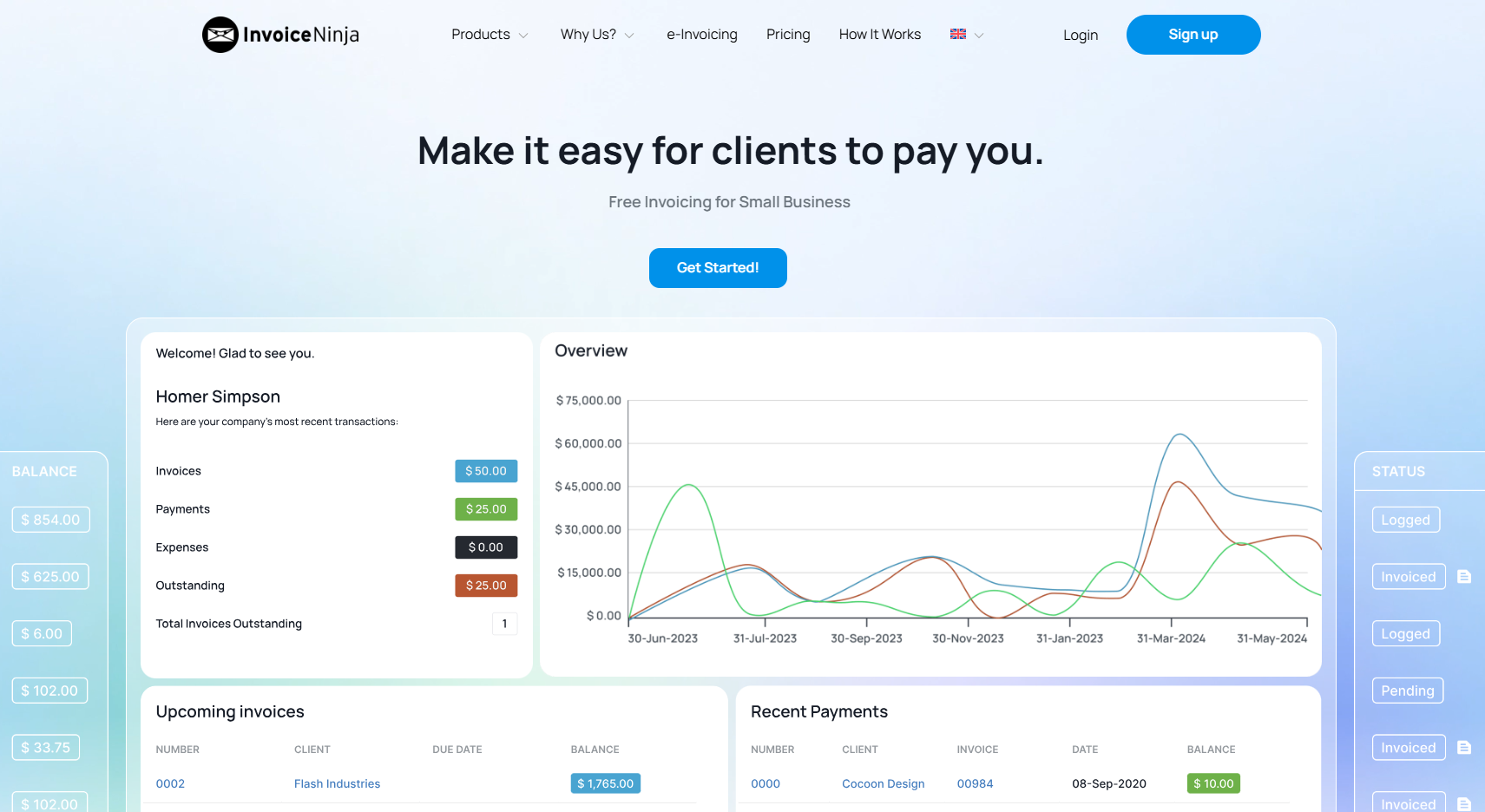
Free Trial/Demo: Invoice Ninja provides a free plan with limited features. There is also a paid trial option for users who need more advanced functionalities.
Key Features:
Time tracking: Track billable hours for clients.
Unlimited invoices: Create and send as many invoices as you need.
Project management: Manage client projects alongside invoicing.
Pricing: Free plan available, with paid plans starting at $10/month.
Support: Email support and an active community forum for assistance.
Why Invoice Ninja Stands Out: Invoice Ninja is a flexible, open-source invoicing solution that allows for deep customization. Its free plan is ideal for smaller businesses, while paid plans unlock more powerful features for growing businesses.
7. Bill.com
Bill.com is designed for SMBs and enterprises looking for advanced invoice processing and payment automation. It’s especially useful for businesses that need to handle a high volume of bills and invoices and want to automate payment.
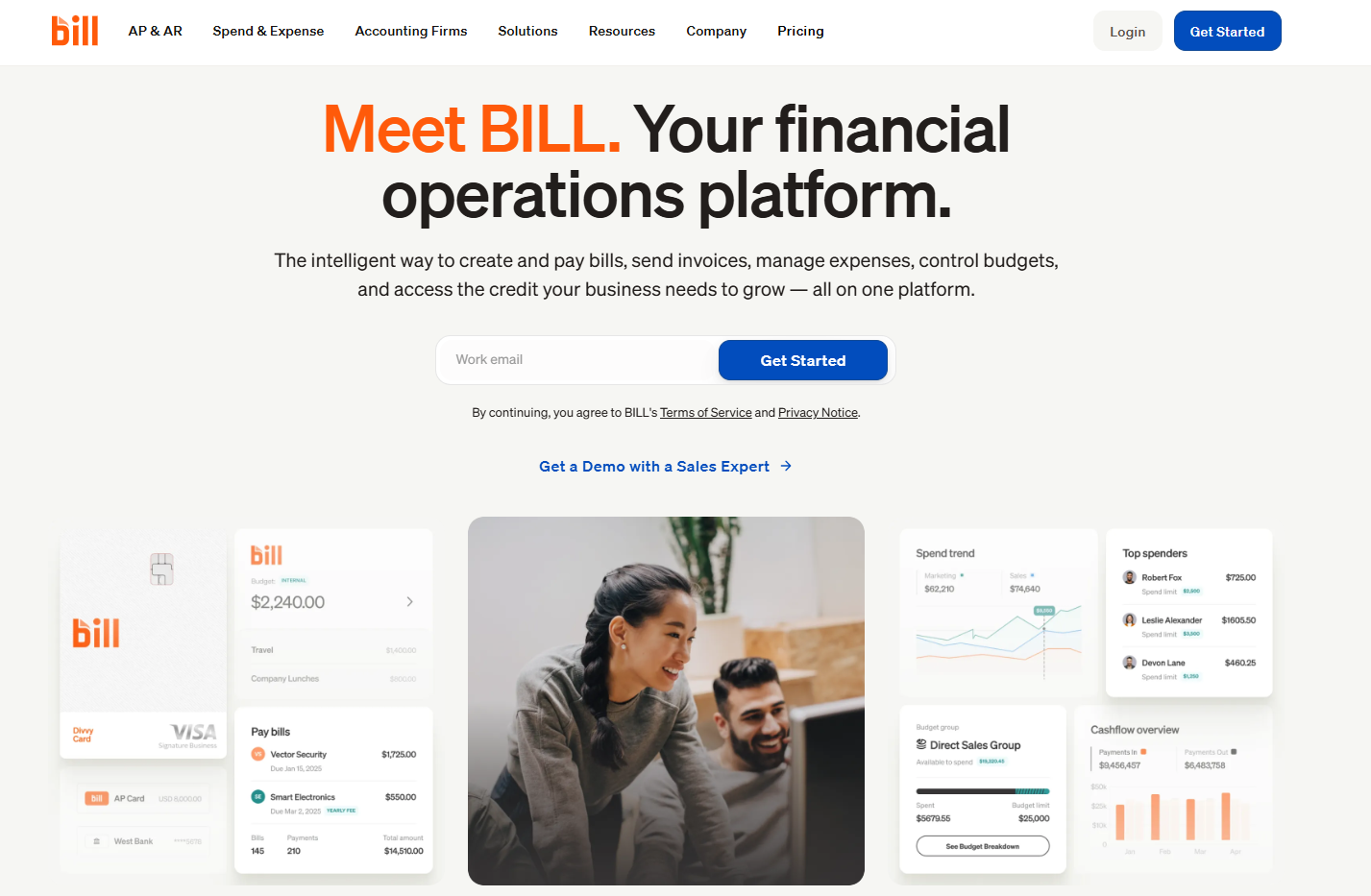
Free Trial/Demo: Bill.com offers a free demo with limited features to showcase its invoicing and bill payment capabilities.
Key Features:
Automated bill payments: Automate payments to vendors and service providers.
Multi-currency support: Perfect for businesses with international clients and vendors.
Accounting software integration: Easily integrates with popular accounting software like QuickBooks and Xero.
Pricing: Starts at $39/month for basic invoicing and bill payment features.
Support: 24/7 phone and email support.
Why Bill.com Stands Out: Bill.com is ideal for businesses handling high transaction volumes. Its automated bill payments and multi-currency support make it perfect for global businesses.
Invoicing Solutions for Small Businesses vs. Large Enterprises
Feature | Small Businesses | Large Enterprises |
|---|---|---|
Ease of Use | Simple, user-friendly interfaces with minimal training required | More complex systems with advanced capabilities and workflows |
Affordable Pricing | Cost-effective pricing that scales with business growth | Higher cost but justified by advanced features and scalability |
Automation | Basic automation like recurring billing and reminders | Advanced automation for high-volume billing and workflows |
Scalability | Grows with business but limited in handling large-scale complexity | Built for large-scale operations with high transaction volumes |
Customization | Limited customization focused on simplicity | Highly customizable with complex workflow support |
Reporting | Basic reports for payments and invoices | Advanced analytics, forecasting, and financial reports |
Multi-User Support | Supports small teams with basic roles and permissions | Advanced role-based access for large teams and departments |
Compliance | Basic compliance such as GST for small businesses | Full compliance with international and multi-tax regulations |
Integration | Integrates with basic accounting tools | Deep integration with ERP, CRM, and enterprise systems |
Final Thoughts
Selecting the right invoicing solution is crucial for businesses to streamline their operations, reduce errors, and improve cash flow. The right tool can save valuable time, enhance accuracy, and provide greater financial transparency.
Giddh stands out as an ideal choice for SMBs and freelancers due to its multi-user support, GST compliance for businesses in India, and scalability. With its free trial, businesses can test all features risk-free before committing, ensuring it fits their specific invoicing needs.
Whether you're managing multiple clients or growing your team, Giddh offers a user-friendly interface and essential automation features to simplify billing.
For businesses seeking a reliable, affordable, and flexible invoicing solution, Giddh is the perfect partner to take your financial management to the next level. Sign up for a free trial today and experience firsthand how Giddh can transform your invoicing process.
FAQ
Q1: What are invoicing solutions?
A: Invoicing solutions are software tools that automate the process of creating, managing, and tracking invoices. They help businesses streamline their billing operations, improve accuracy, and save time by reducing manual work.
Q2: How do free trials work for invoicing software?
A: Free trials give businesses access to the full features of invoicing software for a limited time, allowing them to test its capabilities risk-free before committing to a paid plan. It’s an excellent way to evaluate if the software meets your needs.
Q3: Why should SMBs consider Giddh for invoicing?
A: Giddh offers a comprehensive solution with multi-user support, automated tax calculations, and real-time payment tracking. It’s designed to be scalable, cost-effective, and easy to use, making it ideal for SMBs looking to automate invoicing and manage finances efficiently.
Q4: Does Giddh support GST for Indian businesses?
A: Yes, Giddh is fully GST-compliant and automates GST calculations, making it an excellent choice for businesses operating in India that need to stay compliant with tax regulations.
Q5: Can Giddh integrate with other accounting tools?
A: Yes, Giddh seamlessly integrates with popular accounting systems like QuickBooks, Tally, and more, streamlining the financial workflow and ensuring accurate data synchronization.
 Download
  Download